For student clubs
Your club, live at its own address.
A public site, an apply page that confirms every applicant, and a dashboard where your team moves applications from received to accepted. Online the moment Dev Task Force approves your request — nothing to host, no domain to buy, no developer.
https://your-club
Type a club name and the address follows. It is served the moment the request is approved — no DNS, no setup.
Every request is reviewed by a person. Your login arrives by email and the site is already online.
Six fields, about two minutes. A person at Dev Task Force reviews every request and replies by email.
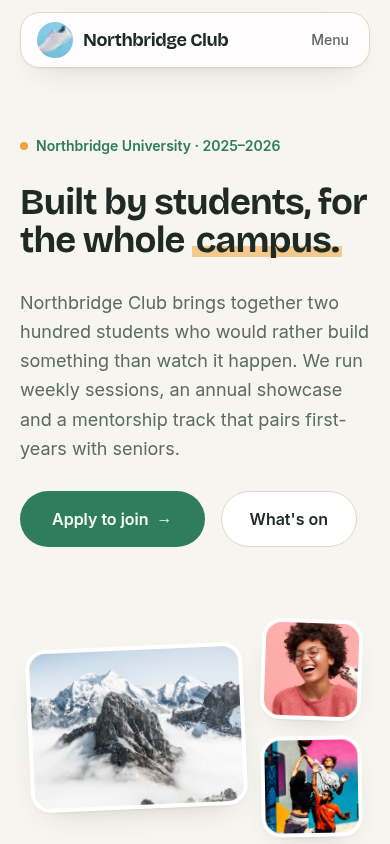
Starts as Commons, the all-round starting point. Change it any time.See all six
Six templates. One already fits the club you run.
Each is a complete public site designed for a kind of club, not a colour swap. Pick the domain in the form and this is where you start; three presets per template switch in the dashboard.
06 templates · 21 presets
- 01 / 06
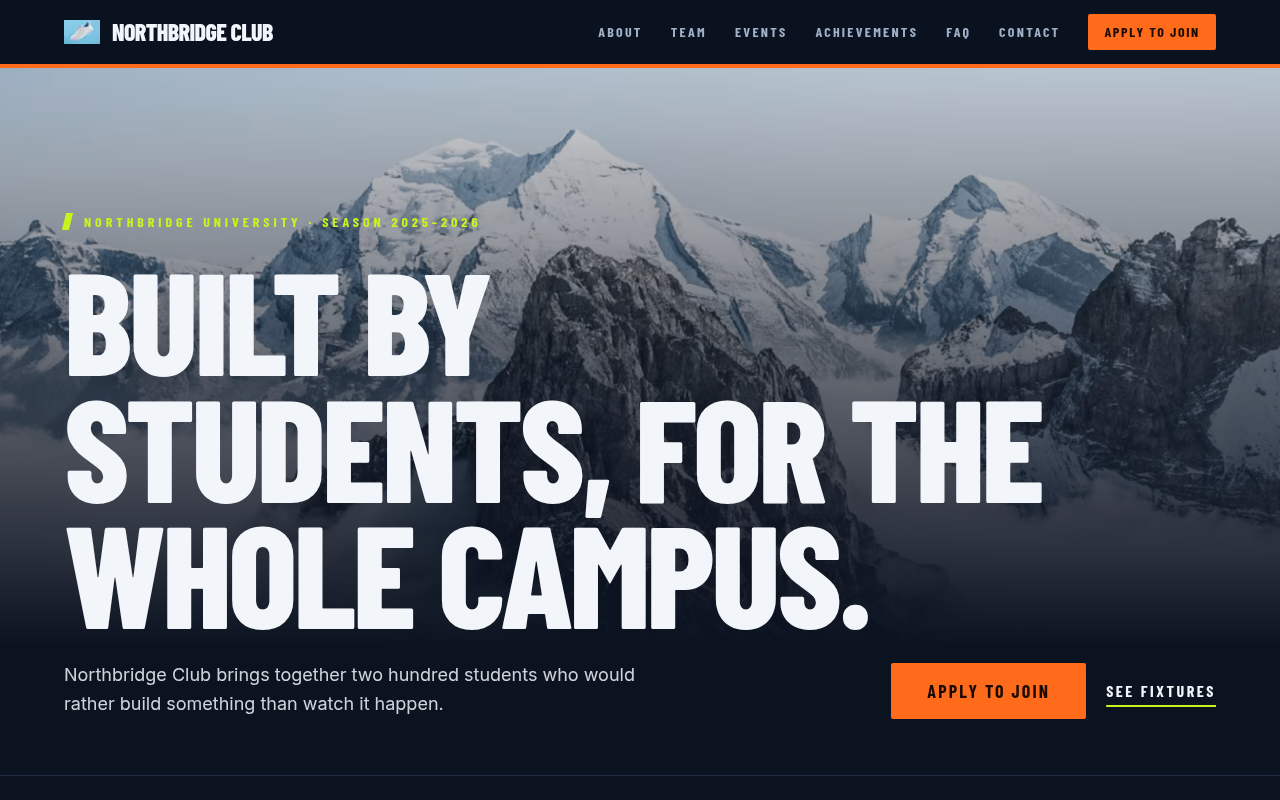
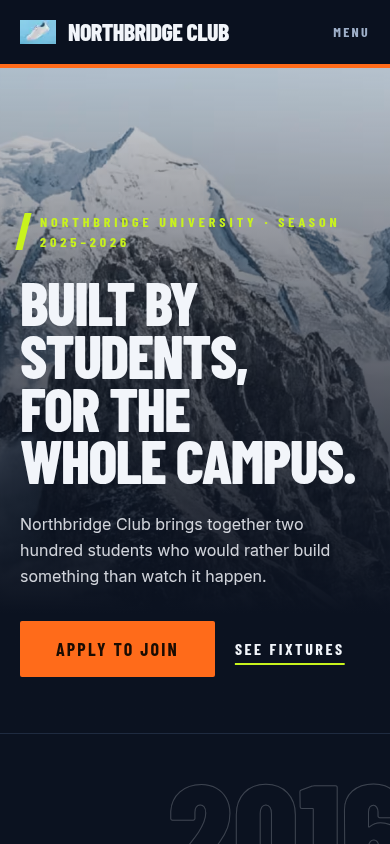
Arena
Matchday energy: condensed uppercase type, a diagonal slash, scoreboard numbers and a fixtures list. Built for clubs that compete.
- Sport
- Gaming
- Health
- Floodlights
- Home kit
- Pitch black
- 02 / 06
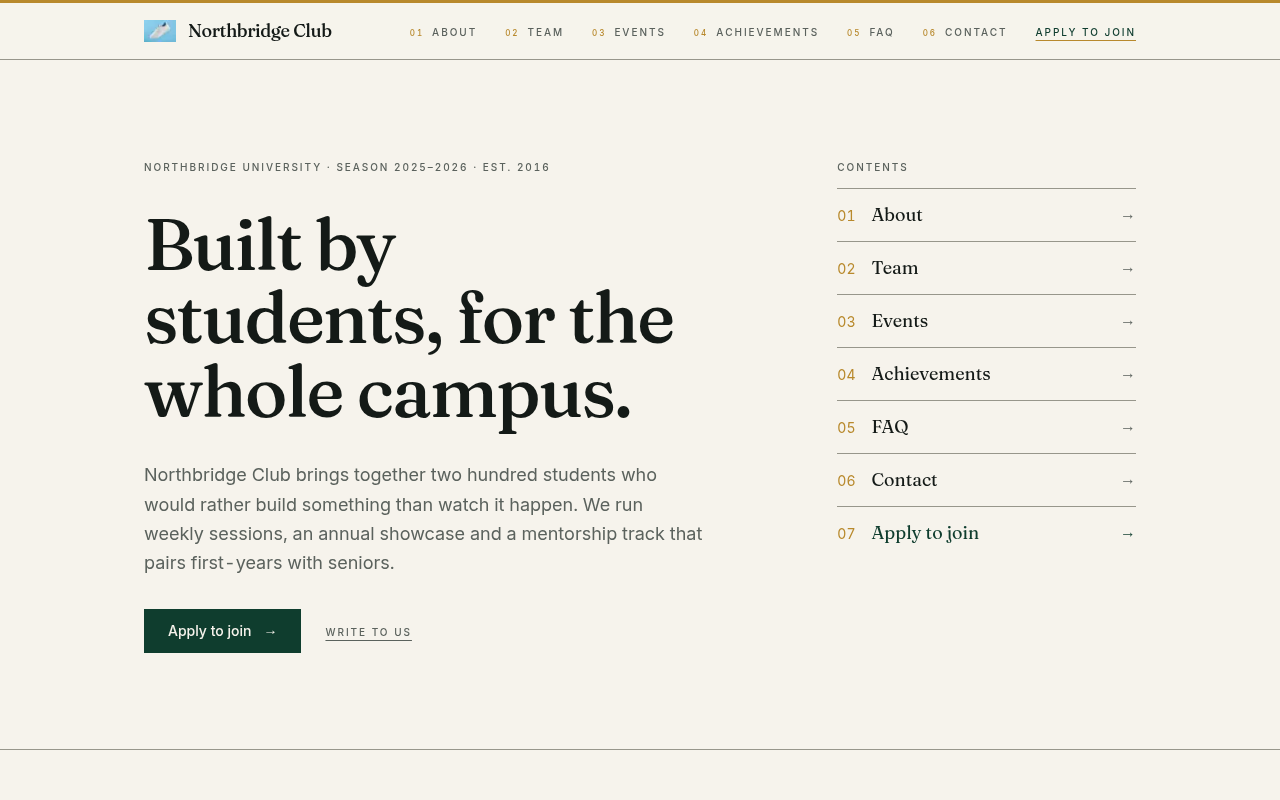
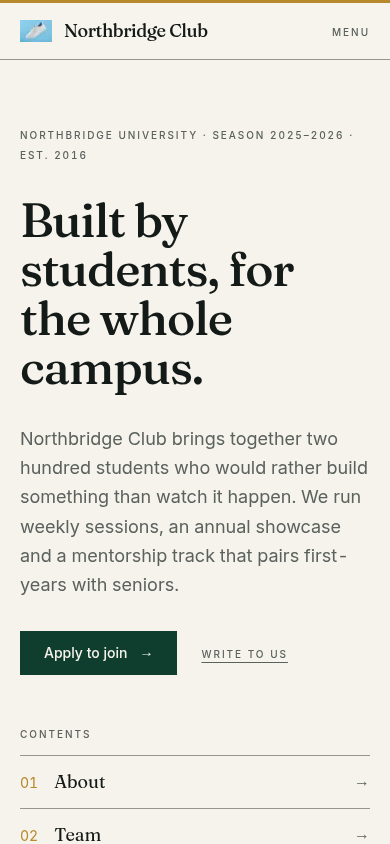
Ledger
Annual-report calm: a numbered table of contents, ruled tables, tabular figures and a restrained serif. Built for clubs that present.
- Finance
- Debate
- Academic
- Annual report
- Prospectus
- After hours
- 03 / 06
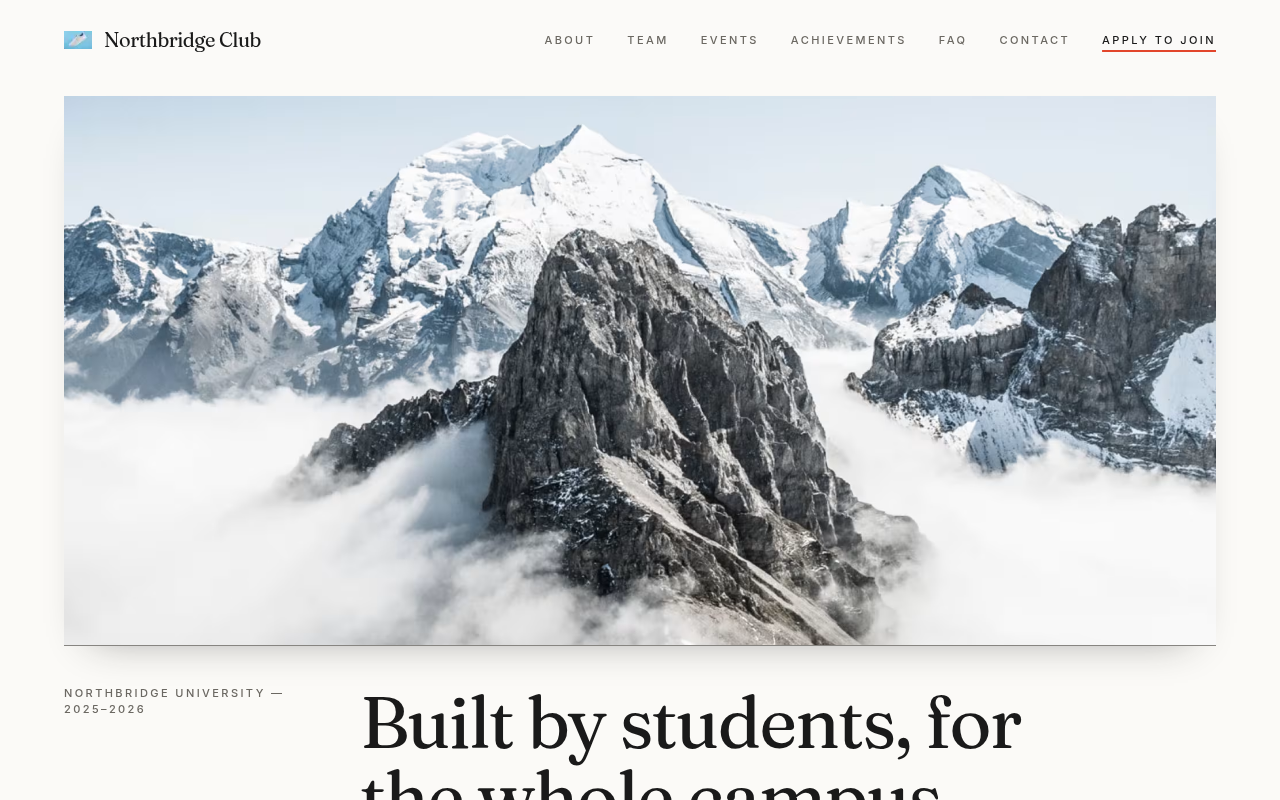
Gallery
White-cube quiet: big photo plates, museum-label captions, a single hairline grid and generous air. Built for clubs that make things.
- Arts
- Culture
- Music
- Media
- White cube
- Black box
- Risograph
- 04 / 06
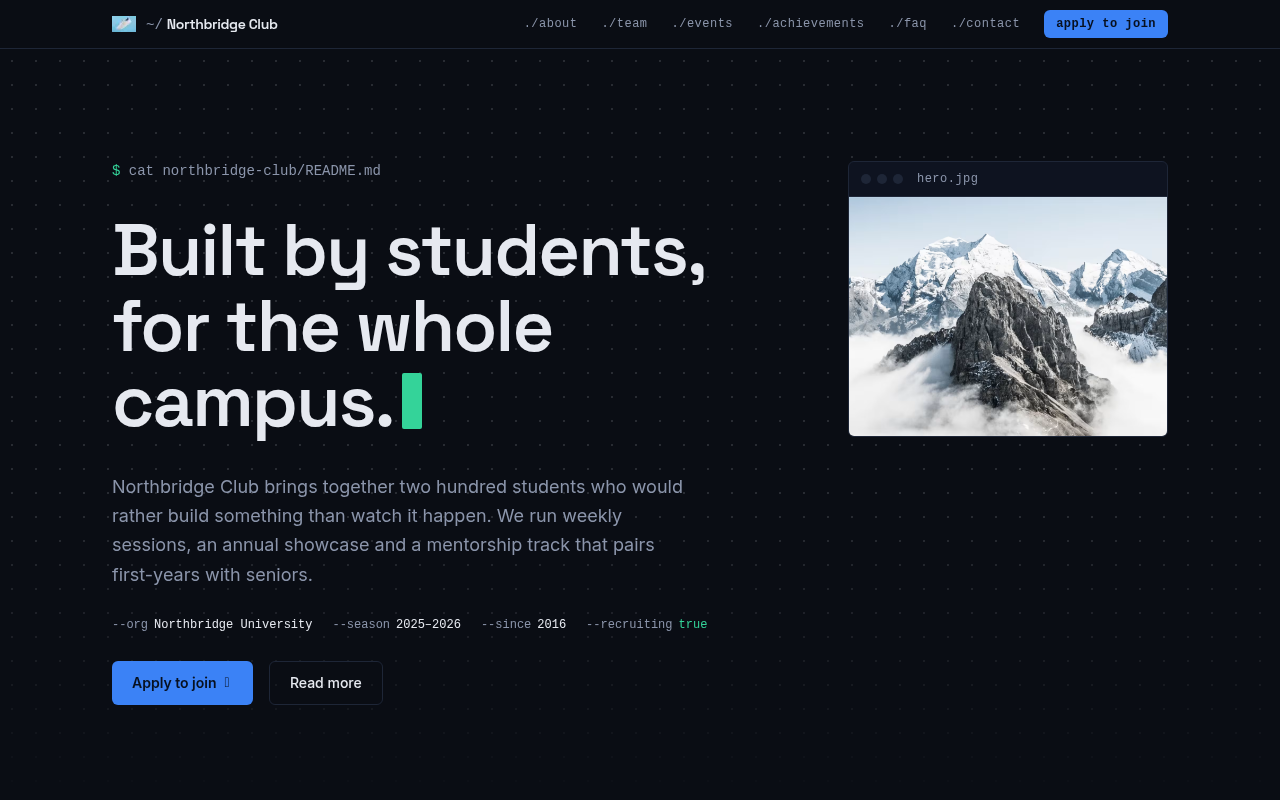
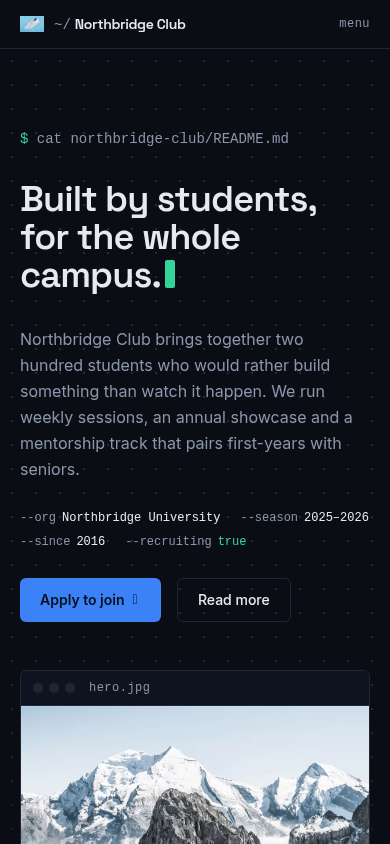
Terminal
Readme energy: monospace labels, a dotted grid, a blinking prompt and content laid out like a well-kept repository. Built for clubs that ship.
- Tech
- Science
- Gaming
- Academic
- Midnight
- Paper tape
- Phosphor
- 05 / 06Your start
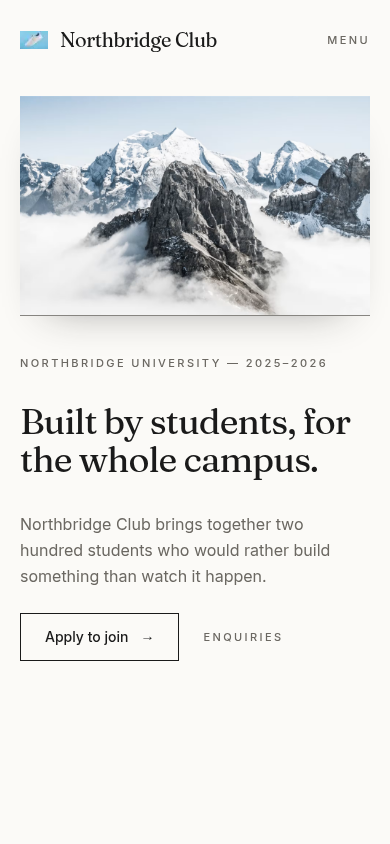
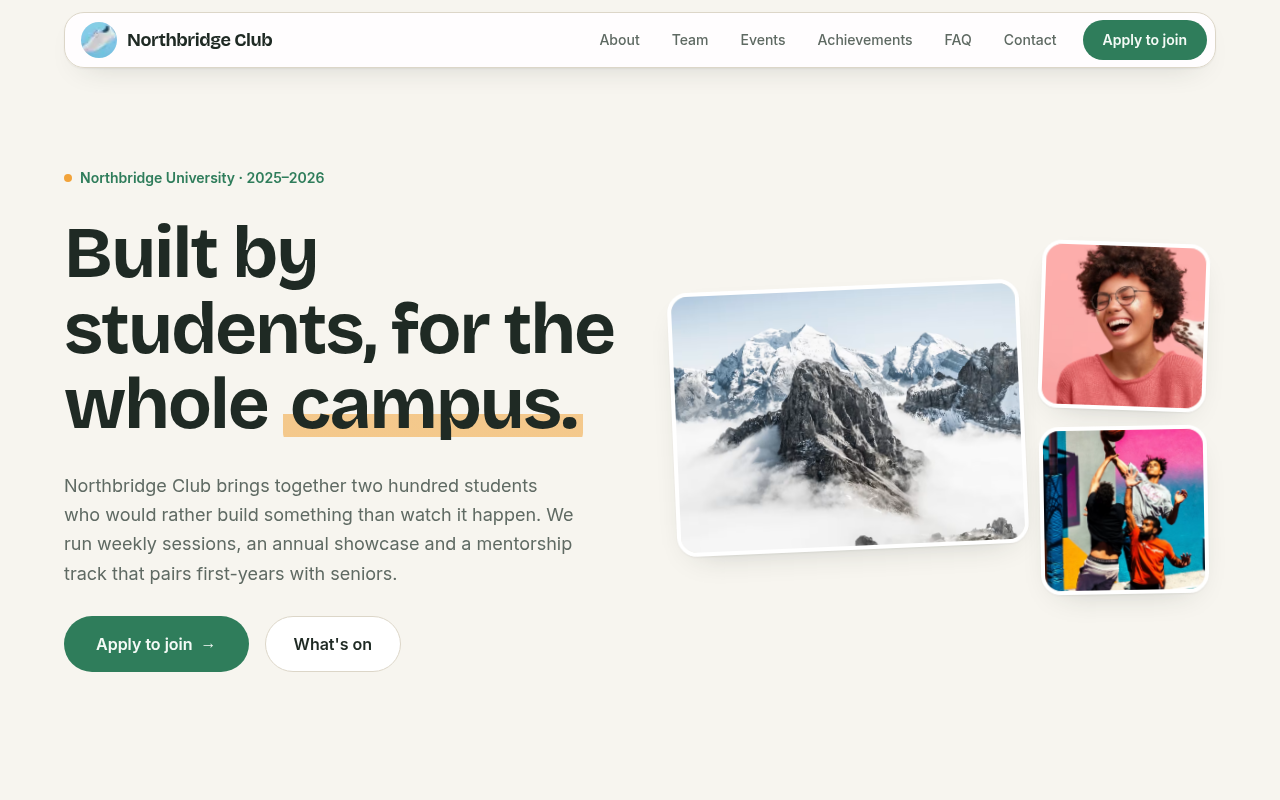
Commons
Noticeboard warmth: soft rounded panels, a photo collage, friendly type and pinned cards. Built for clubs that gather.
- Social
- Environment
- Faith
- Health
- Meadow
- Harbour
- Lantern
- 06 / 06
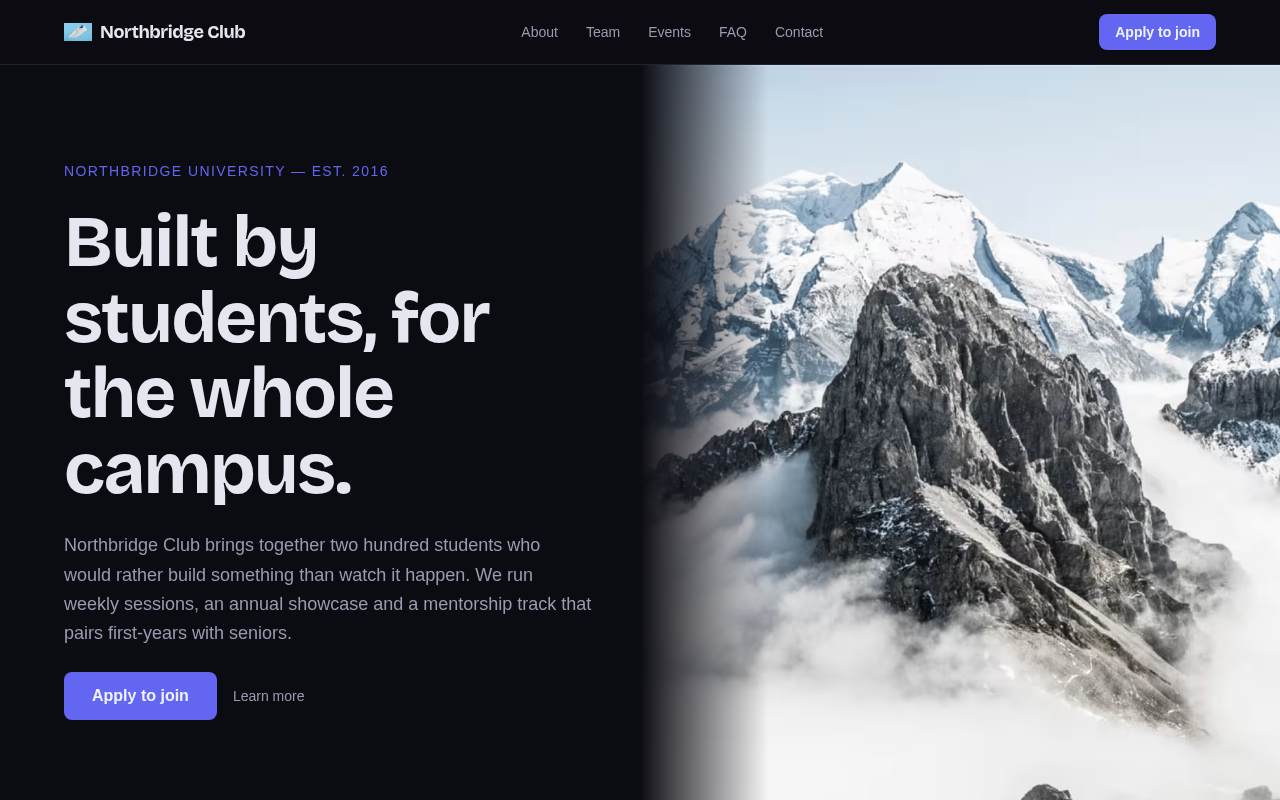
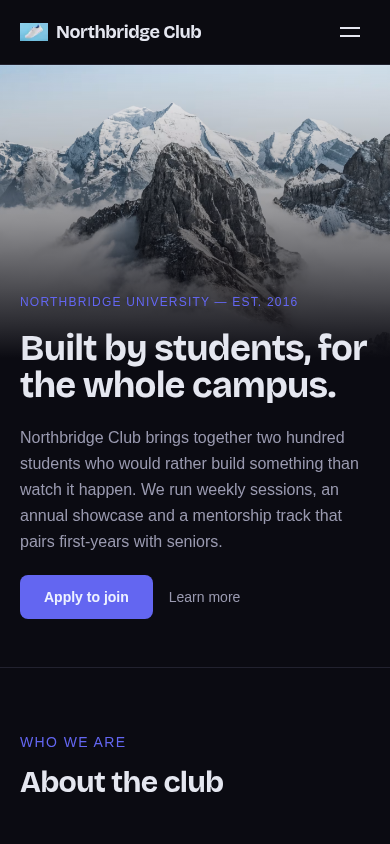
Studio
The neutral, all-purpose design: four variants per section, dark or light, any font pair. Every club can live here.
- General
- Social
- Faith
- Circuit night
- The journal
- Poster wall
- Campus hall
- Deep field
- Terminal
- 6templates, 21 presets
- 11sections, 44 layouts
- 5stages in the applications pipeline
- 4recruitment emails from your mailbox
- Secondsfrom an edit to your live site
Three steps. One of them is ours.
No hosting to set up, no domain to buy, no developer to brief. You fill in a form; we press approve; the site is already online.
- 01You
Request
Six fields · about two minutes
Pick your address and tell us about the club. The address is checked live, so you know it's yours before you submit.
- 02Dev Task Force
Review
One approval · site, dashboard, login
A person at Dev Task Force approves the request. That single step creates your site, your dashboard and your leader account, and emails you the login.
- 03You
Go live
Changes on your site in seconds
Sign in, keep the template or switch a preset, add your board, open a season. Every change is on your public site the moment you save.
Recruitment season, as it runs today
It's the second week of October. Recruitment closed yesterday. 180 responses sit in a Google Sheet nobody has cleaned. Forty DMs ask “did you receive my application?”. You're pasting the same “Congratulations” email for the sixtieth time from your personal Gmail at 1 a.m., and two department leads are still waiting for their copy of the sheet.
Instagram is where your members are, and it should stay that way. It just stops working as a recruitment system around fifty applications — or the first time two departments recruit at once.
Compared with how clubs do it today
Filled in honestly. Every request and every design change passes a person — that row is in the table too.
Time to a live site
Instagram + Google Form + WhatsApp: No site
ourclub: The moment you're approved
Apply page with confirmation
Instagram + Google Form + WhatsApp: No
ourclub: Yes, on your site
Pipeline, interviews, decisions
Instagram + Google Form + WhatsApp: Sheet + chat
ourclub: Yes — five stages, interviews
Emails from the club's mailbox
Instagram + Google Form + WhatsApp: Personal Gmail
ourclub: Yes — verified mailbox, four templates
Per-department access
Instagram + Google Form + WhatsApp: Shared sheet
ourclub: HR accounts per department
Board archive across years
Instagram + Google Form + WhatsApp: Photos on phones
ourclub: Automatic
Who maintains it
Instagram + Google Form + WhatsApp: The president
ourclub: Dev Task Force
Cost
Instagram + Google Form + WhatsApp: Free
ourclub: Free for approved clubs
Custom domain
Instagram + Google Form + WhatsApp: —
ourclub: Yes, free — one record at your registrar
Human review step
Instagram + Google Form + WhatsApp: None
ourclub: Yes — request approval and design review
| What a president cares about | Instagram + Google Form + WhatsApp | Google Sites / Wix + Forms | A member builds it | ourclub |
|---|---|---|---|---|
| Time to a live site | No site | An afternoon, then upkeep | Weeks | The moment you're approved |
| Apply page with confirmation | No | Form only, no confirmation | If they build it | Yes, on your site |
| Pipeline, interviews, decisions | Sheet + chat | Sheet + chat | Rarely | Yes — five stages, interviews |
| Emails from the club's mailbox | Personal Gmail | Personal Gmail | Maybe | Yes — verified mailbox, four templates |
| Per-department access | Shared sheet | Shared sheet | Rarely | HR accounts per department |
| Board archive across years | Photos on phones | No | No | Automatic |
| Who maintains it | The president | Whoever owns the account | The graduate | Dev Task Force |
| Cost | Free | Free tier + upsells | Free until hosting lapses | Free for approved clubs |
| Custom domain | — | Paid | Yes | Yes, free — one record at your registrar |
| Human review step | None | None | None | Yes — request approval and design review |
It costs nothing.
ourclub is run by Dev Task Force for student clubs. No card, no hosting, no renewal.
You bring a club mailbox — for example a Gmail address with an app password — so recruitment emails come from you, not from us.
Yours, and separate
Your data is separate.
Every club has its own database schema and its own media folder. Your leader and HR accounts can only ever reach your club.
Your address.
{club}.ourclub.space is yours from approval onward. Own a domain? One record at your registrar and your site answers there too — free, certificate included.
Your data is yours.
Ask us and we hand over everything — members, applications, content.
Someone runs it.
Dev Task Force reviews every request and design, watches every club's address, and logs every privileged action.
Questions presidents ask
Is our data mixed with other clubs'?
No. Each club has its own separate database schema and media folder. Your accounts reach your club only.
Do we still need a Google Form?
No. Open a season and the apply page is on your site. Applications land in your pipeline with the department the applicant chose.
Do applicants get a confirmation?
Yes. “Application received.” on the site, and a confirmation email from your club's mailbox once your mailbox is verified.
Can department leads see only their applicants?
Yes. HR accounts are scoped to exactly one department: their queue, their interviews, their templates.
Why does a design change need approval?
A person at Dev Task Force checks that nothing ships broken. Text, team, events and recruitment changes are live in seconds with no review.
Can we use our own domain?
Yes, free. Type your domain in Settings and add one record at your registrar; the certificate is issued for you and your site answers at www.your-domain. {club}.ourclub.space keeps working alongside it.
What if we want to leave?
Your data is yours. Ask us and we hand over everything — members, applications, content.
Do we need our university's permission?
No. The club requests, Dev Task Force approves. Tell your club office if your university asks.
What does it cost?
Nothing for approved clubs. You bring a club mailbox so recruitment emails come from you.
Who is Dev Task Force?
The team that runs ourclub. It reviews every registration request and every design change, keeps each club's address online, and answers by email.
Talk to a person
A question before you register, help with your club's site, or an idea for a partnership: write to Dev Task Force. A person reads every message and answers by email.
https://{club}.ourclub.space
Your club, live at its own address.
Six fields. A person reviews it. Your login arrives by email and the site is already online.
Nothing to pay, nothing to install. If we can't approve the request, we tell you why by email.